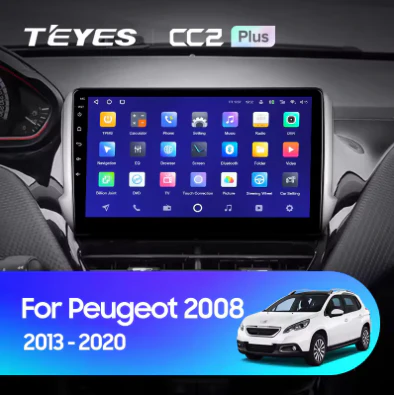
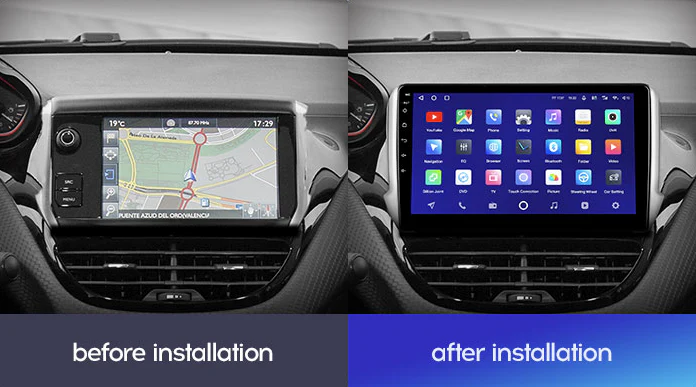
Jeep Cherokee 5 KL (2014-2018)
SPECIFICATIONS
Brand Name: TEyes
Din: One Din
Display Size: 10.2"
For Vehicle Brands/Model: JEEP
OSD Language: Chinese (Simplified)
OSD Language: Chinese (Traditional)
OSD Language: Russian
OSD Language: English
Digital Media Format: Mp3
Digital Media Format: MP4
Digital Media Format: WMA
Digital Media Format: JPEG
Special Feature: wifi function
Special Feature: Support steering wheel control
Special Feature: Support Can-Bus
Certification: CE
Certification: EAC
Special Features: Built-in GPS
Special Features: Mobile Phone
Special Features: MP3 players
Operating System: Android
Item Weight: 2
Voltage: 12V

Heated Steering Wheel canbus update - This will enable heated steering to work again
NOTE: Disable heated steering wheel under comfort setting using the factory unit before replacing it.
NOTE: If you have single climate control (not dual) at the moment we cannot see the temp on the screen. See this solution here
NOTE: Factory brake service, rear radar and blind spot sensors are not compatible with canbus protocol
NOTE: Connect the A port harness to the provided harness RCA for CD audio
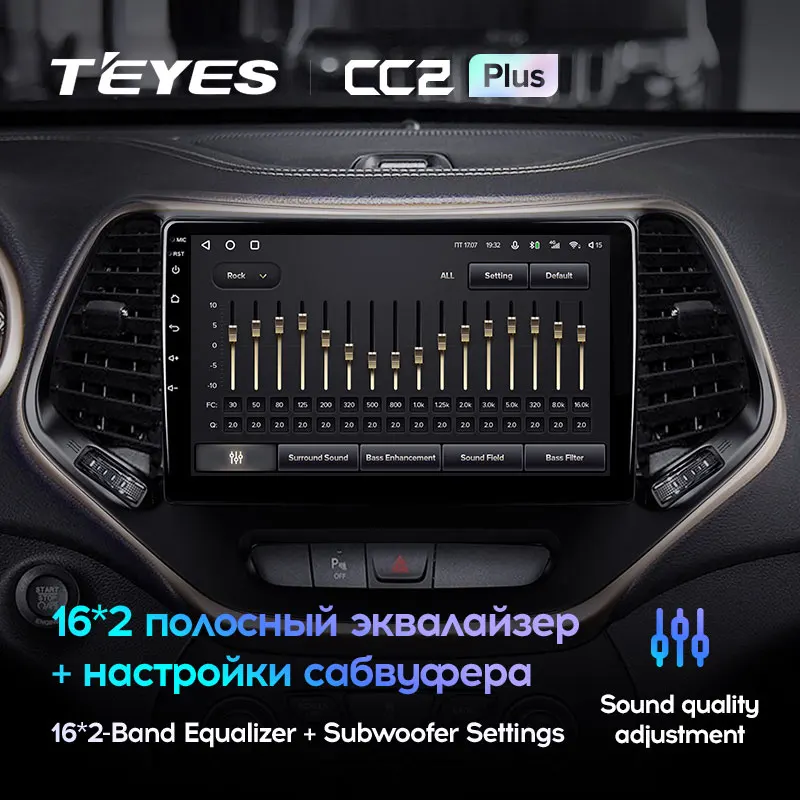
NOTE: please go to settings - device - sound - power conditioner and with the latest firmware update installed, set it to 30, set the DSP to rock
NOTE: You can retain your OEM GPS with a Fakra Type Z cable (click here)
NOTE: Center control USB ports are retained
NOTE: Will retain Parking sense, Lane assistance and heated seat function.
NOTE: Heated steering function & XM Radio are not retained. Although some reports of the heated steering function turns on with the thermostat
NOTE: If upon install you don't have sound and the canbus settings and installation is correct, update the canbus software - however you may lose heated steering function
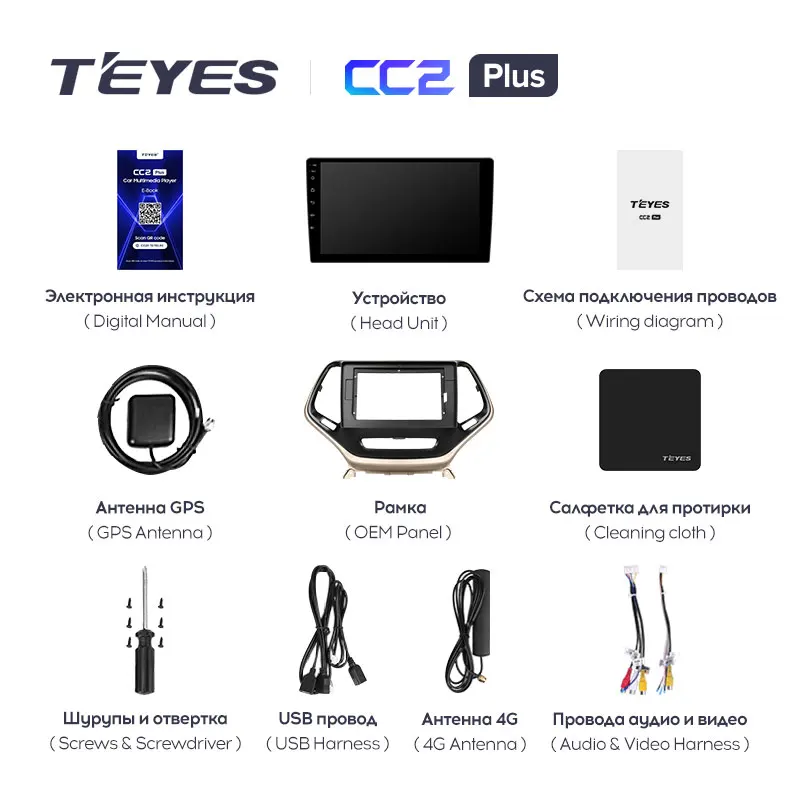
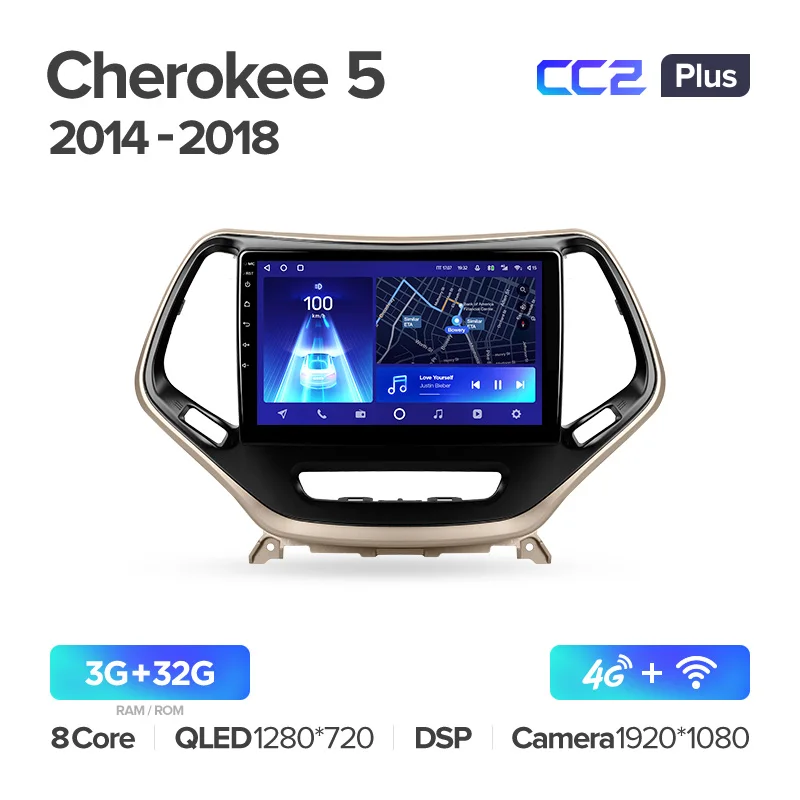
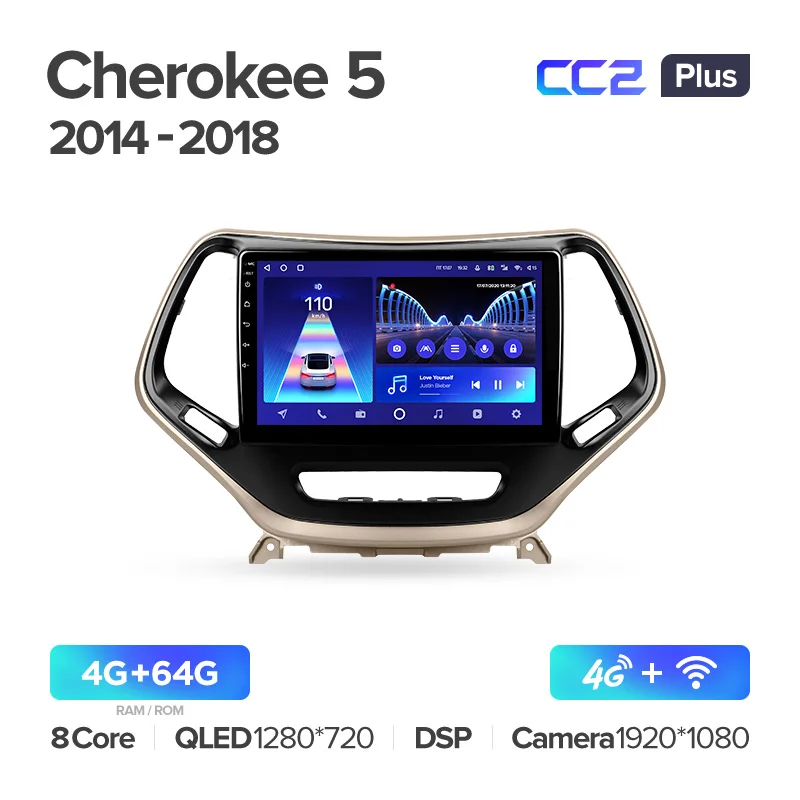
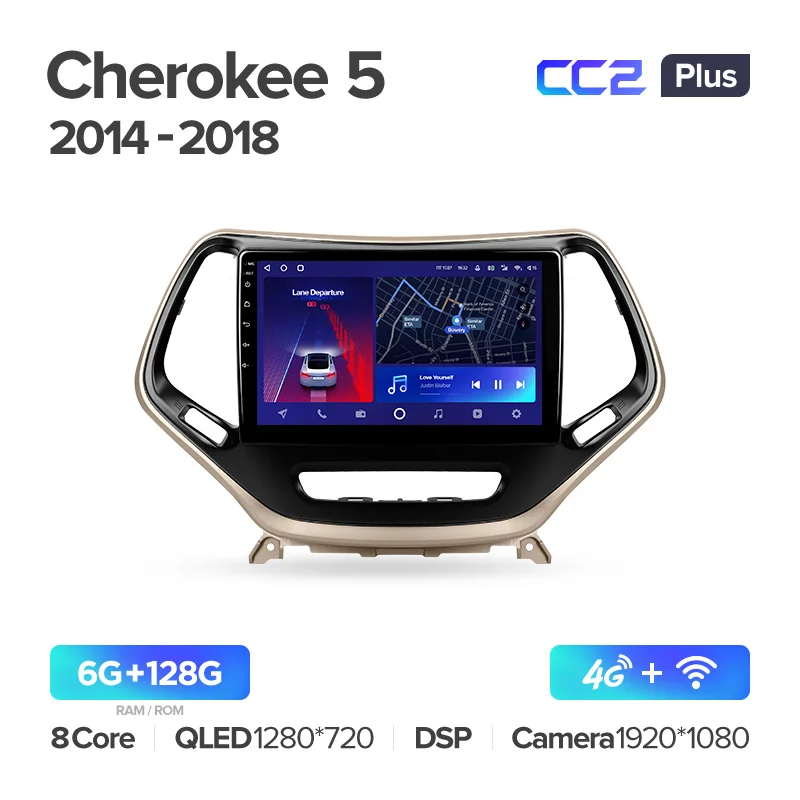
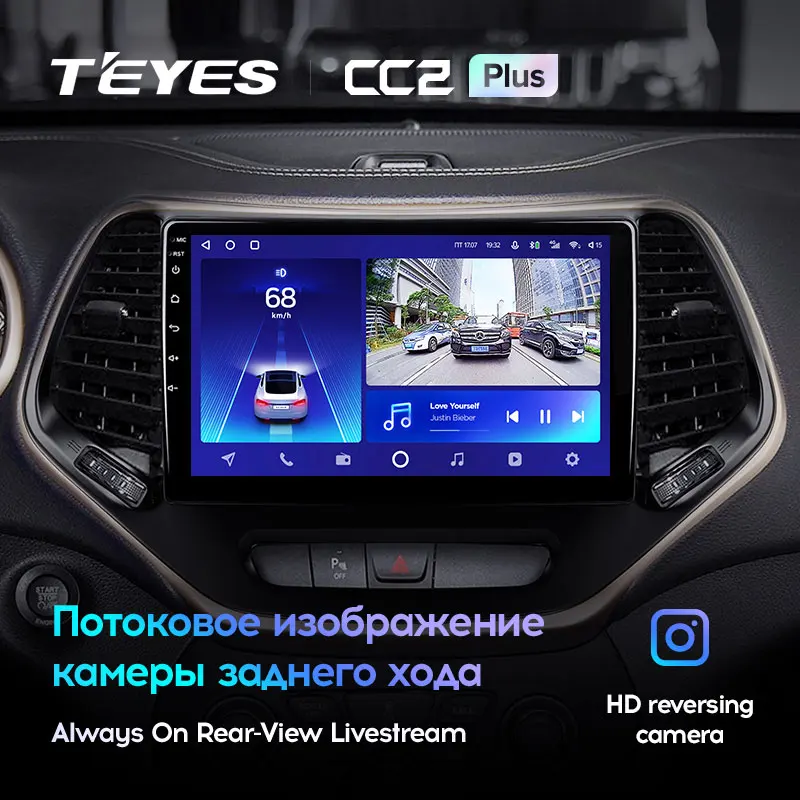
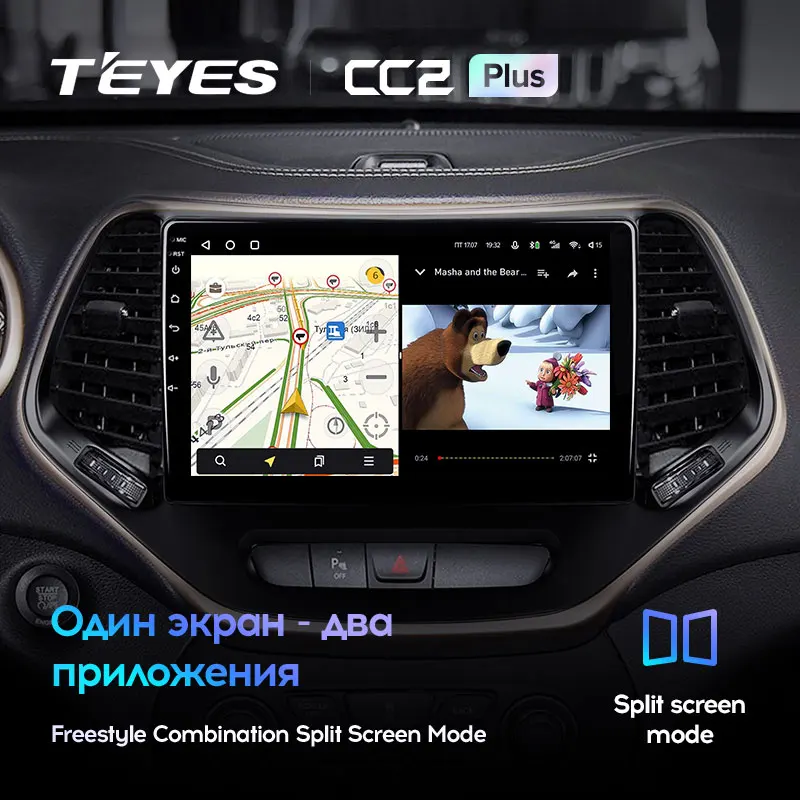
You can choose between silver and gold frames. The images below are just for examples.


NOTE: If the sound is too loud, go to settings - device - sound - power conditioning and set it to 30
NOTE: The below head units are supported


Product Information
Product Information
Shipping & Returns
Shipping & Returns
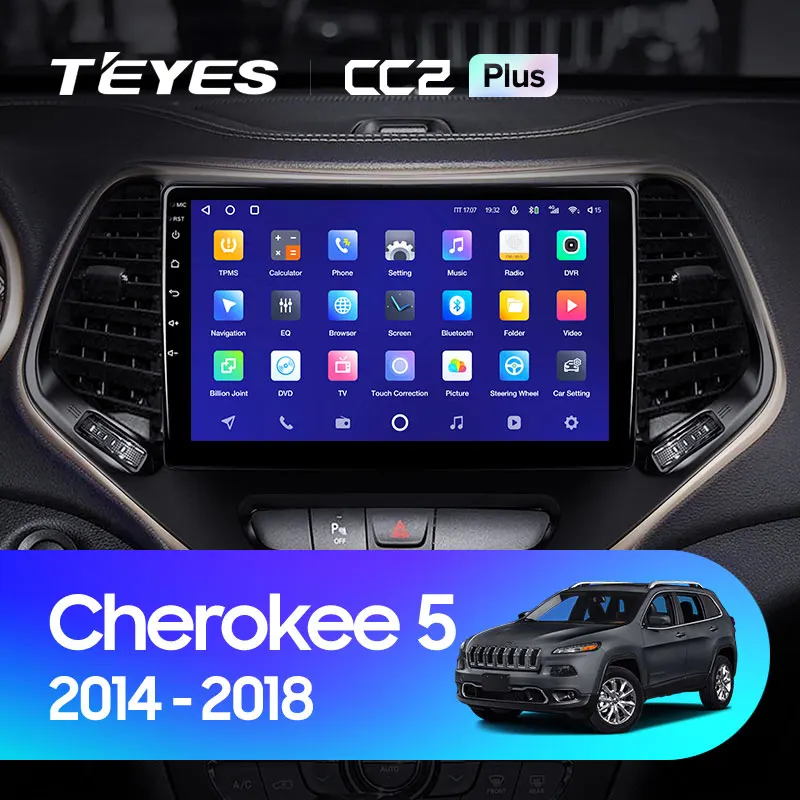
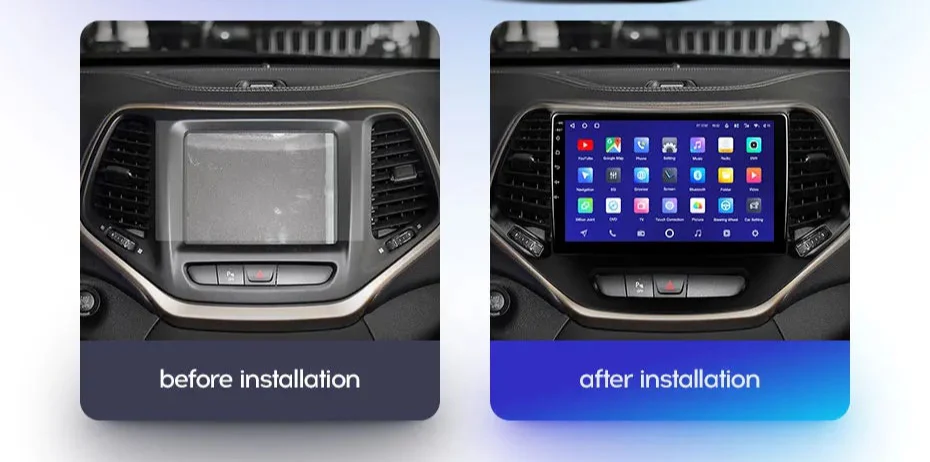
Jeep Cherokee 5 KL (2014-2018)
Jeep Cherokee 5 KL (2014-2018)
SPECIFICATIONS
Brand Name: TEyes
Din: One Din
Display Size: 10.2"
For Vehicle Brands/Model: JEEP
OSD Language: Chinese (Simplified)
OSD Language: Chinese (Traditional)
OSD Language: Russian
OSD Language: English
Digital Media Format: Mp3
Digital Media Format: MP4
Digital Media Format: WMA
Digital Media Format: JPEG
Special Feature: wifi function
Special Feature: Support steering wheel control
Special Feature: Support Can-Bus
Certification: CE
Certification: EAC
Special Features: Built-in GPS
Special Features: Mobile Phone
Special Features: MP3 players
Operating System: Android
Item Weight: 2
Voltage: 12V
Heated Steering Wheel canbus update - This will enable heated steering to work again
NOTE: Disable heated steering wheel under comfort setting using the factory unit before replacing it.
NOTE: If you have single climate control (not dual) at the moment we cannot see the temp on the screen. See this solution here
NOTE: Factory brake service, rear radar and blind spot sensors are not compatible with canbus protocol
NOTE: Connect the A port harness to the provided harness RCA for CD audio
NOTE: please go to settings - device - sound - power conditioner and with the latest firmware update installed, set it to 30, set the DSP to rock
NOTE: You can retain your OEM GPS with a Fakra Type Z cable (click here)
NOTE: Center control USB ports are retained
NOTE: Will retain Parking sense, Lane assistance and heated seat function.
NOTE: Heated steering function & XM Radio are not retained. Although some reports of the heated steering function turns on with the thermostat
NOTE: If upon install you don't have sound and the canbus settings and installation is correct, update the canbus software - however you may lose heated steering function
You can choose between silver and gold frames. The images below are just for examples.
NOTE: If the sound is too loud, go to settings - device - sound - power conditioning and set it to 30
NOTE: The below head units are supported
Product Information
Product Information
Shipping & Returns
Shipping & Returns
Description
SPECIFICATIONS
Brand Name: TEyes
Din: One Din
Display Size: 10.2"
For Vehicle Brands/Model: JEEP
OSD Language: Chinese (Simplified)
OSD Language: Chinese (Traditional)
OSD Language: Russian
OSD Language: English
Digital Media Format: Mp3
Digital Media Format: MP4
Digital Media Format: WMA
Digital Media Format: JPEG
Special Feature: wifi function
Special Feature: Support steering wheel control
Special Feature: Support Can-Bus
Certification: CE
Certification: EAC
Special Features: Built-in GPS
Special Features: Mobile Phone
Special Features: MP3 players
Operating System: Android
Item Weight: 2
Voltage: 12V
Heated Steering Wheel canbus update - This will enable heated steering to work again
NOTE: Disable heated steering wheel under comfort setting using the factory unit before replacing it.
NOTE: If you have single climate control (not dual) at the moment we cannot see the temp on the screen. See this solution here
NOTE: Factory brake service, rear radar and blind spot sensors are not compatible with canbus protocol
NOTE: Connect the A port harness to the provided harness RCA for CD audio
NOTE: please go to settings - device - sound - power conditioner and with the latest firmware update installed, set it to 30, set the DSP to rock
NOTE: You can retain your OEM GPS with a Fakra Type Z cable (click here)
NOTE: Center control USB ports are retained
NOTE: Will retain Parking sense, Lane assistance and heated seat function.
NOTE: Heated steering function & XM Radio are not retained. Although some reports of the heated steering function turns on with the thermostat
NOTE: If upon install you don't have sound and the canbus settings and installation is correct, update the canbus software - however you may lose heated steering function
You can choose between silver and gold frames. The images below are just for examples.
NOTE: If the sound is too loud, go to settings - device - sound - power conditioning and set it to 30
NOTE: The below head units are supported