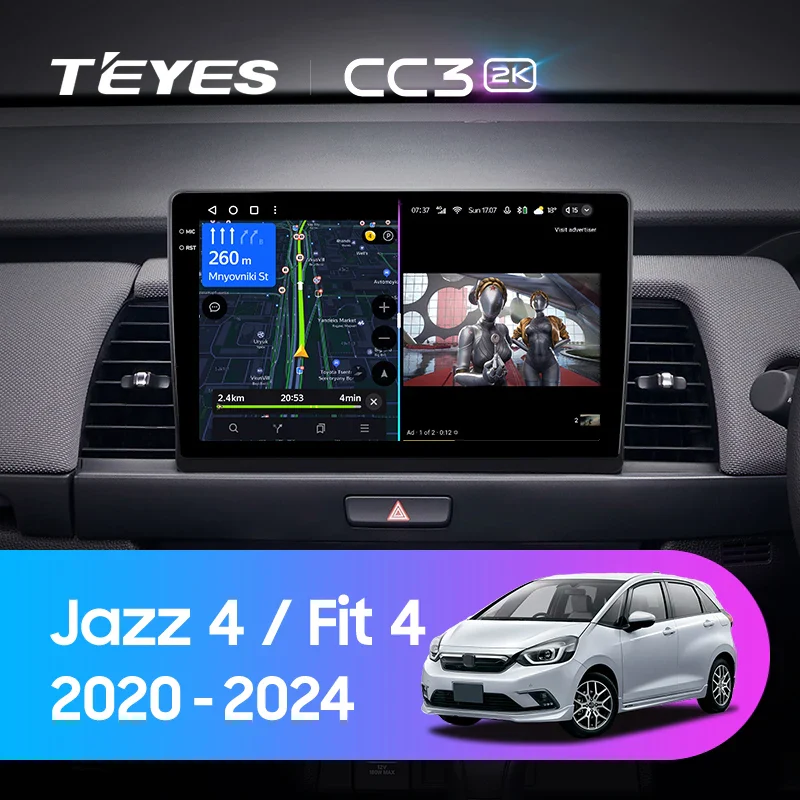
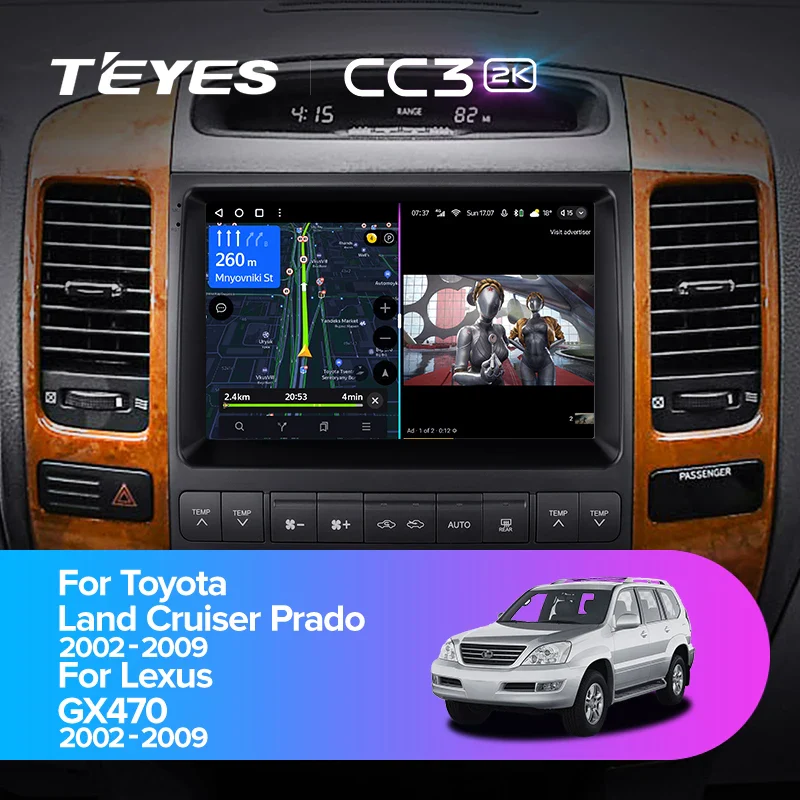
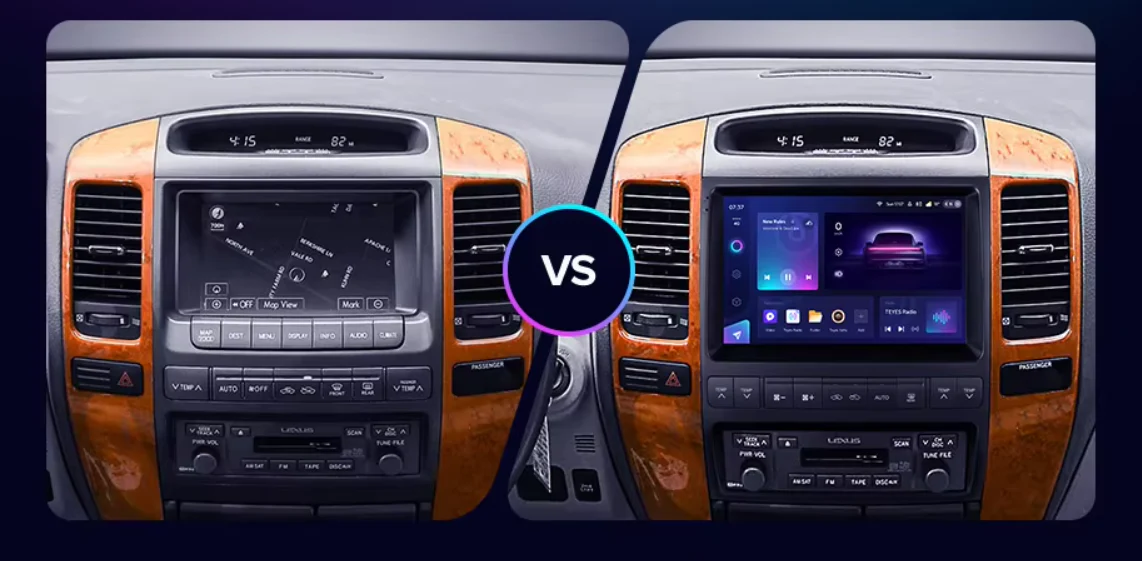
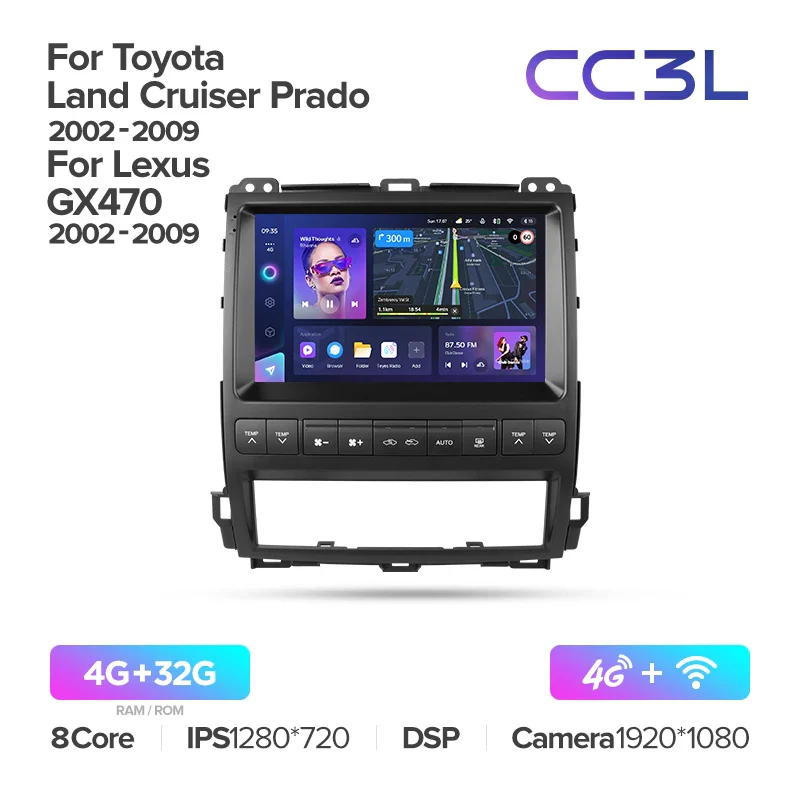
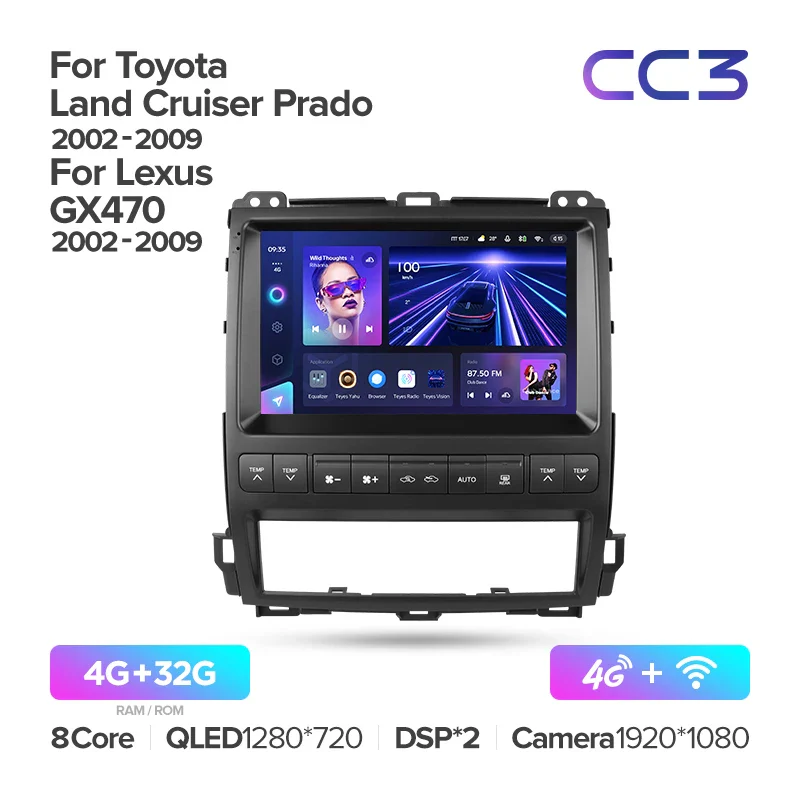
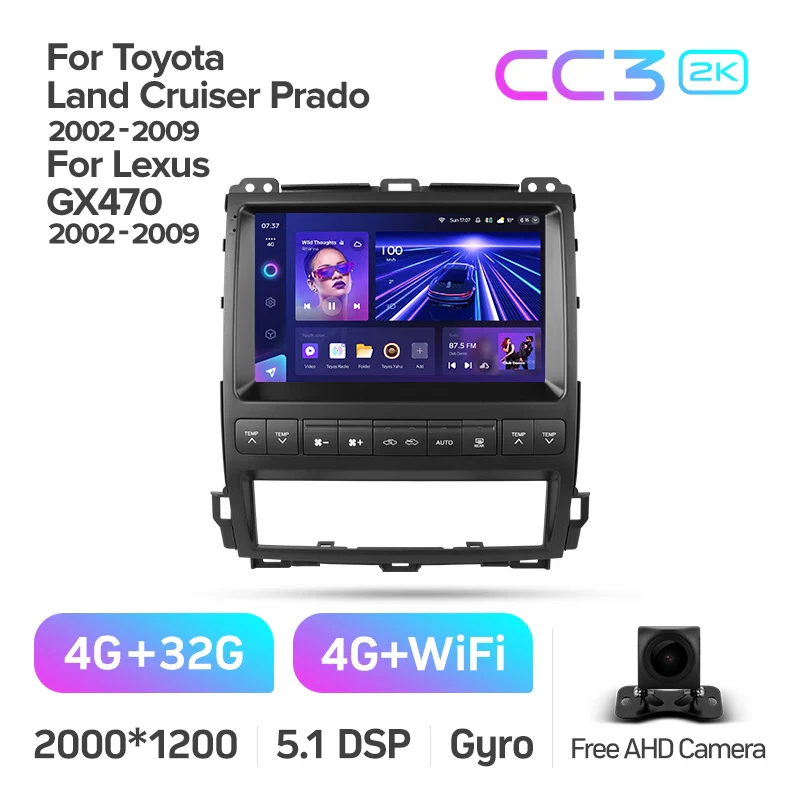
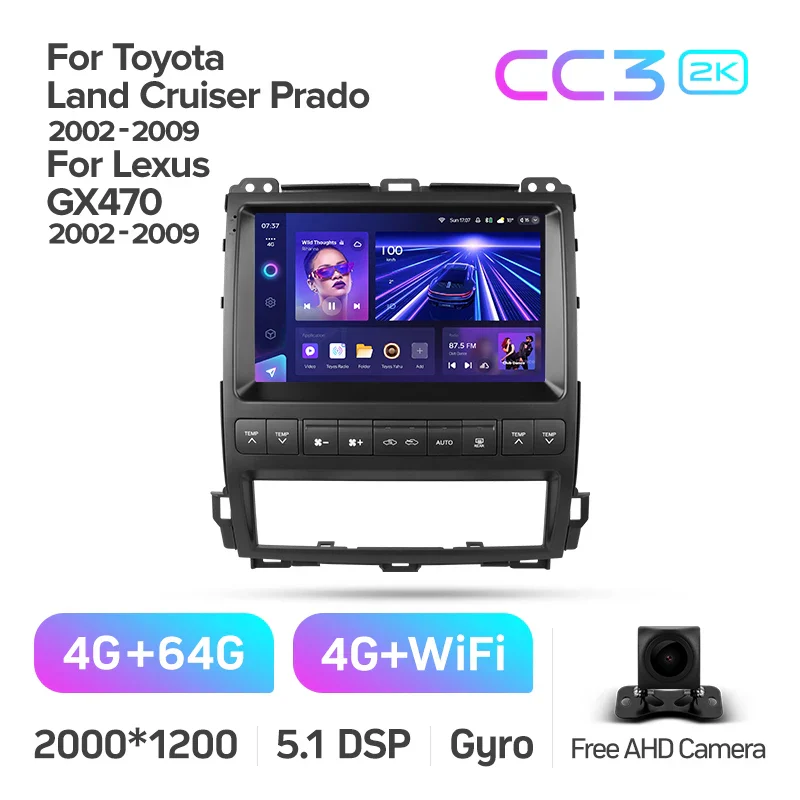
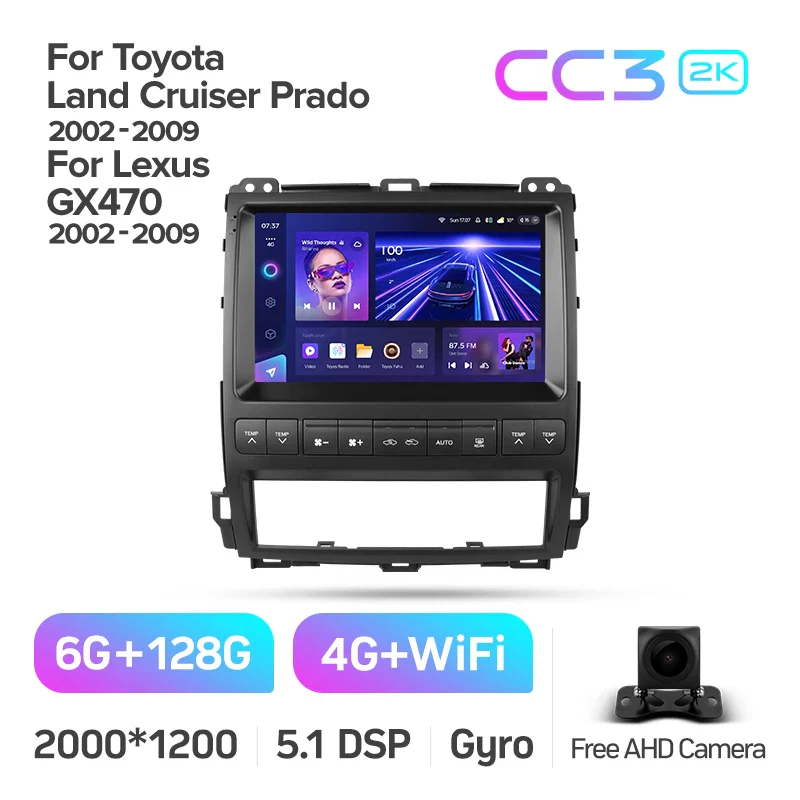
Toyota Land Cruiser Prado 120 / Lexus GX470 GX 470 J120 (2002-2009)
SPECIFICATIONS
Brand Name: TEyes
Din: One Din
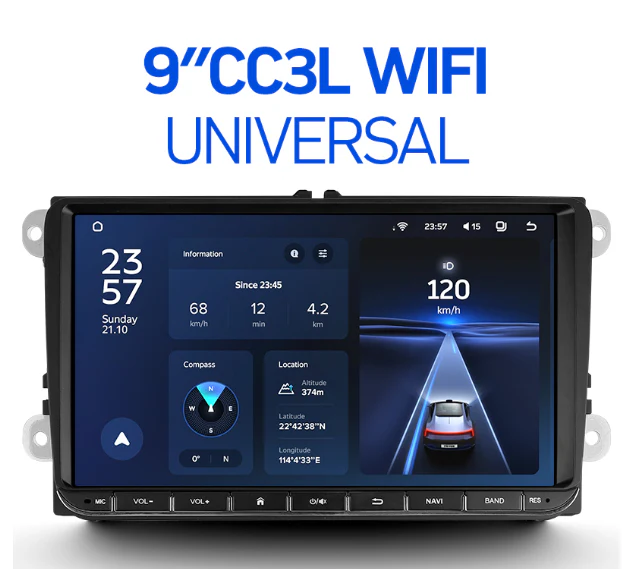
Display Size: 9"
Digital Media Format: Mp3
Digital Media Format: MP4
Digital Media Format: WMA
Digital Media Format: JPEG
Special Feature: wifi function
Special Feature: Support Steering Wheel Control
Special Feature: Support 3G Network
Special Feature: Support 4G Network
Certification: CE
Certification: EAC
Operating System: Android
Voltage: 12V
Note: BEFORE disconnecting OEM head unit:
* Set fade & balance to center
* Set volume to Maximum
NOTE 4: To prevent potential A/C & Sound control issues, you can do the 2 following techniques -
1) Turn on accessories power --> Turn on the A/C --> Remove OEM head unit and replace with T'Eyes head unit --> Turn on accessories and test A/C
OR
2) Turn on accessories power --> Turn on the A/C --> Switch off accessories --> Remove OEM head unit and replace with T'Eyes head unit --> Turn on accessories and test A/C
IMPORANT: YOU MUST SET THE A/C TEMP MANUALLY ON THE ORIGINAL HEAD UNIT BEFORE REMOVAL, DO NOT LEAVE IT AS "MAX COLD" OR "AUTO" OR THE A/C DISPLAY ON THE CC3 WILL BE STUCK AND NOT REACT TO COMMANDS
NOTE: IF EVERYTHING IS WORKING DO NOT UPDATE CANBUS PROTOCOLS


Product Information
Product Information
Shipping & Returns
Shipping & Returns

Toyota Land Cruiser Prado 120 / Lexus GX470 GX 470 J120 (2002-2009)
Toyota Land Cruiser Prado 120 / Lexus GX470 GX 470 J120 (2002-2009)
SPECIFICATIONS
Brand Name: TEyes
Din: One Din
Display Size: 9"
Digital Media Format: Mp3
Digital Media Format: MP4
Digital Media Format: WMA
Digital Media Format: JPEG
Special Feature: wifi function
Special Feature: Support Steering Wheel Control
Special Feature: Support 3G Network
Special Feature: Support 4G Network
Certification: CE
Certification: EAC
Operating System: Android
Voltage: 12V
Note: BEFORE disconnecting OEM head unit:
* Set fade & balance to center
* Set volume to Maximum
NOTE 4: To prevent potential A/C & Sound control issues, you can do the 2 following techniques -
1) Turn on accessories power --> Turn on the A/C --> Remove OEM head unit and replace with T'Eyes head unit --> Turn on accessories and test A/C
OR
2) Turn on accessories power --> Turn on the A/C --> Switch off accessories --> Remove OEM head unit and replace with T'Eyes head unit --> Turn on accessories and test A/C
IMPORANT: YOU MUST SET THE A/C TEMP MANUALLY ON THE ORIGINAL HEAD UNIT BEFORE REMOVAL, DO NOT LEAVE IT AS "MAX COLD" OR "AUTO" OR THE A/C DISPLAY ON THE CC3 WILL BE STUCK AND NOT REACT TO COMMANDS
NOTE: IF EVERYTHING IS WORKING DO NOT UPDATE CANBUS PROTOCOLS
Original: $259.59
-65%$259.59
$90.86Product Information
Product Information
Shipping & Returns
Shipping & Returns
Description
SPECIFICATIONS
Brand Name: TEyes
Din: One Din
Display Size: 9"
Digital Media Format: Mp3
Digital Media Format: MP4
Digital Media Format: WMA
Digital Media Format: JPEG
Special Feature: wifi function
Special Feature: Support Steering Wheel Control
Special Feature: Support 3G Network
Special Feature: Support 4G Network
Certification: CE
Certification: EAC
Operating System: Android
Voltage: 12V
Note: BEFORE disconnecting OEM head unit:
* Set fade & balance to center
* Set volume to Maximum
NOTE 4: To prevent potential A/C & Sound control issues, you can do the 2 following techniques -
1) Turn on accessories power --> Turn on the A/C --> Remove OEM head unit and replace with T'Eyes head unit --> Turn on accessories and test A/C
OR
2) Turn on accessories power --> Turn on the A/C --> Switch off accessories --> Remove OEM head unit and replace with T'Eyes head unit --> Turn on accessories and test A/C
IMPORANT: YOU MUST SET THE A/C TEMP MANUALLY ON THE ORIGINAL HEAD UNIT BEFORE REMOVAL, DO NOT LEAVE IT AS "MAX COLD" OR "AUTO" OR THE A/C DISPLAY ON THE CC3 WILL BE STUCK AND NOT REACT TO COMMANDS
NOTE: IF EVERYTHING IS WORKING DO NOT UPDATE CANBUS PROTOCOLS